Roomful Games › Minecraft maps
Roomful maps
Free, for Minecraft Bedrock and Java
Free family escape room maps for Minecraft Bedrock and Java
Four escape rooms to play together in Minecraft, on Bedrock Edition or Java Edition: a Christmas mission and three year-round rooms, from easy to hard. Free, one download each.
Not an official Minecraft product. Not approved by or associated with Mojang or Microsoft.
- The Lost Sleigh: Ages 8+, About 20 minutes, 1 to 4 players
- Wake Up, Pumpernickel!: Easy, Ages 6+ with a reader, About 20 minutes, 1 to 6 players
- The Unfinished Map: Medium, Ages 10+ with an adult, About 45 minutes, 1 to 8 players
- Point Harrow, Signing Off: Hard, Ages 14+, About 75 minutes, 1 to 8 players
Ages are a guide to how hard the puzzles are, not to what's in them. Every map is family-friendly, with nothing scary or violent.
Roomful Escape: The Lost Sleigh — a Christmas escape room map
Santa's sleigh won't start. Find one number in each of five snowy rooms, together, and launch it before the clock runs out.
- Ages 8+
- About 20 minutes
- 1 to 4 players
- Free
Free · Minecraft Bedrock 26.60 or newer, or Java Edition 26.3 or newer · How to install it
Bedrock: one file, version 1.0.1 (checksum). Java: one world folder in a zip, version 1.0.0 (checksum).
What's inside
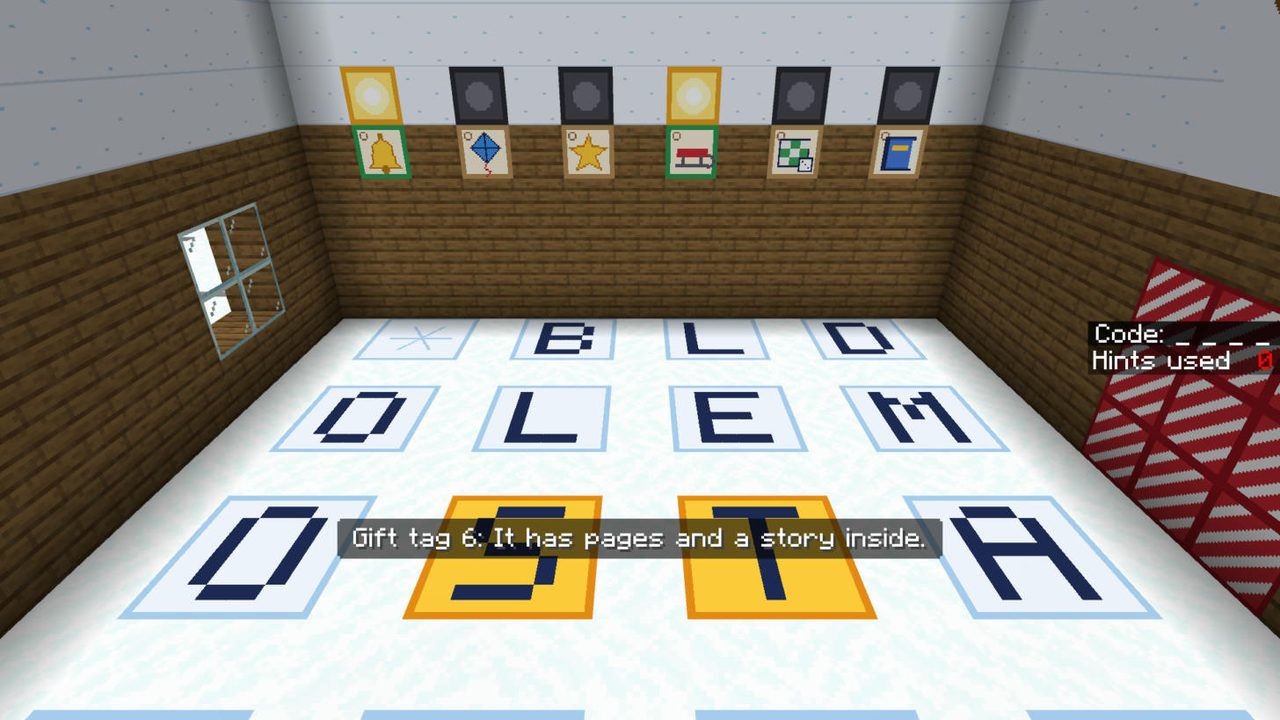
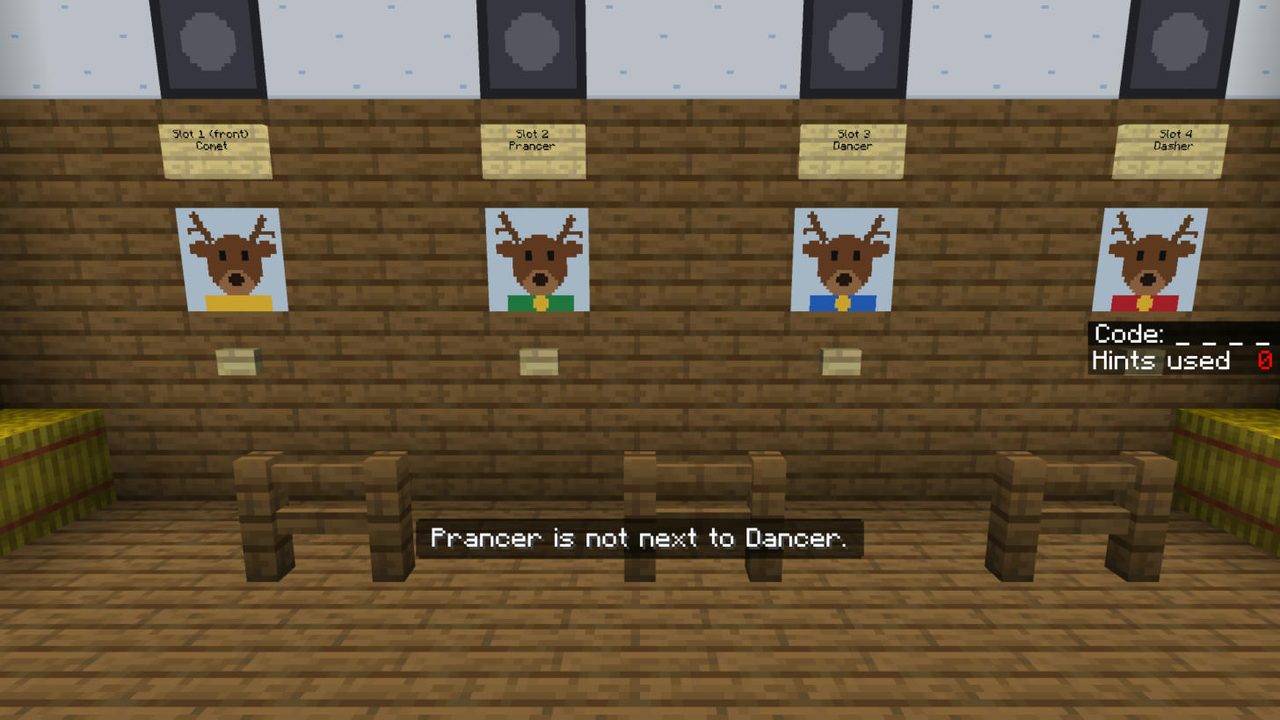
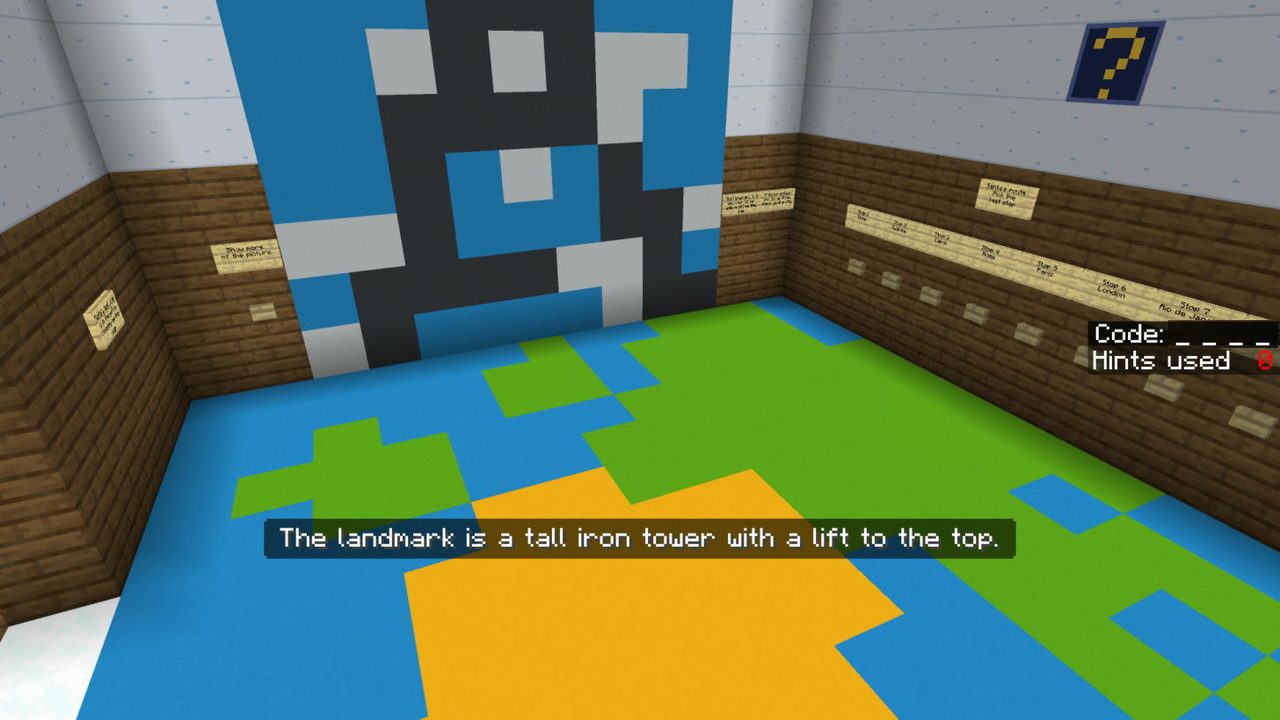
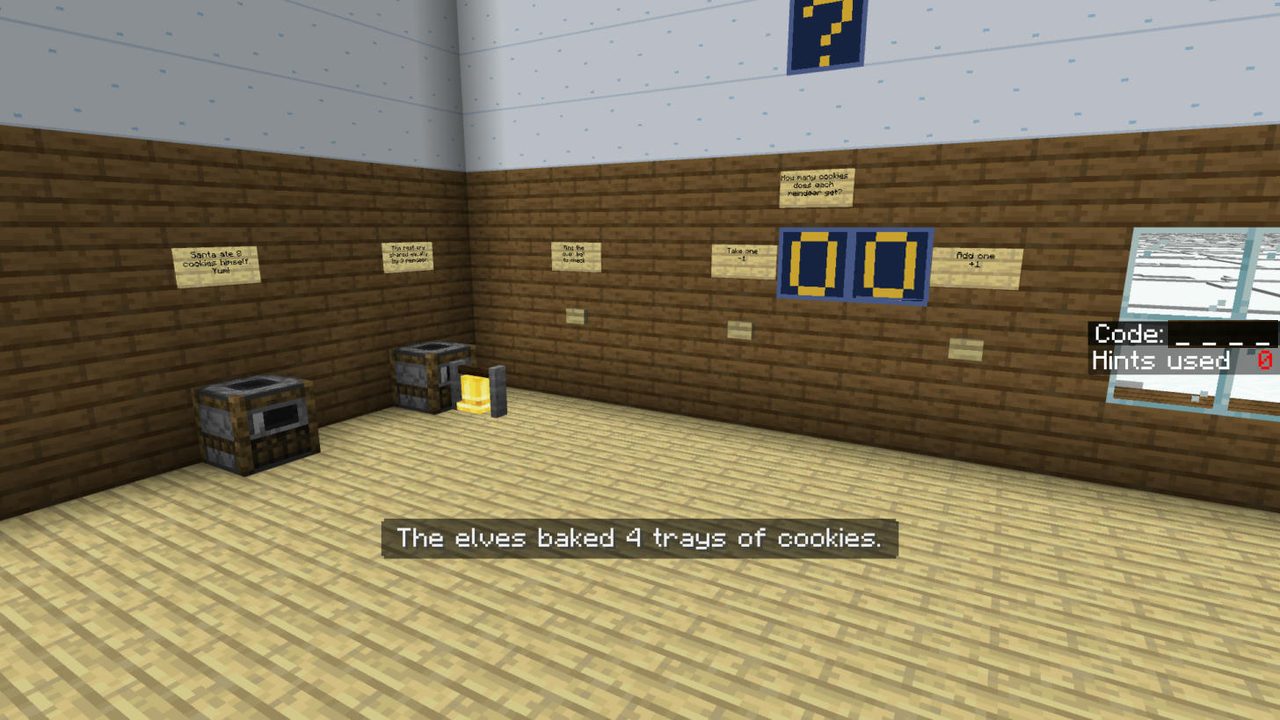
- Five rooms: gift tags in the snow (spell words by walking on letters), a reindeer line-up (logic), the last stop (a landmark picture and a map), cookie math, and the sleigh's ignition lock.
- Short, easy words: every screen is one or two short sentences, with a picture over every door.
- No typing, no chat, no commands: buttons, levers, walking and talking to the Helper Elf. Phones, tablets, controllers and keyboards all play the same.
- Never stuck: the Helper Elf in every room gives hints and can skip a room. The clock is optional, and running out doesn't end the game.
- Play alone or together: split-screen on one console or PC, or on the same Wi-Fi (the world shows up under Friends).
Rather play on a TV with everyone's phones? The same mission is a free web game at Roomful Escape, with the same answers.
Roomful Escape: Wake Up, Pumpernickel! — a free escape room map for kids
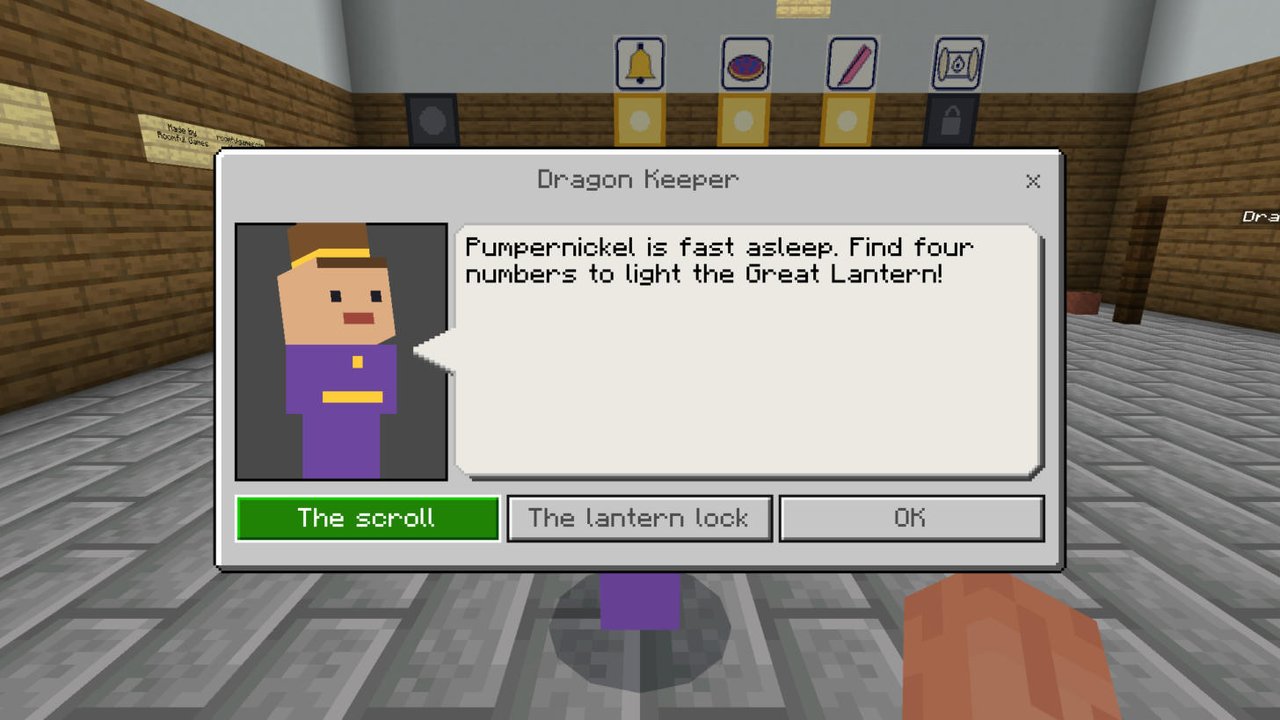
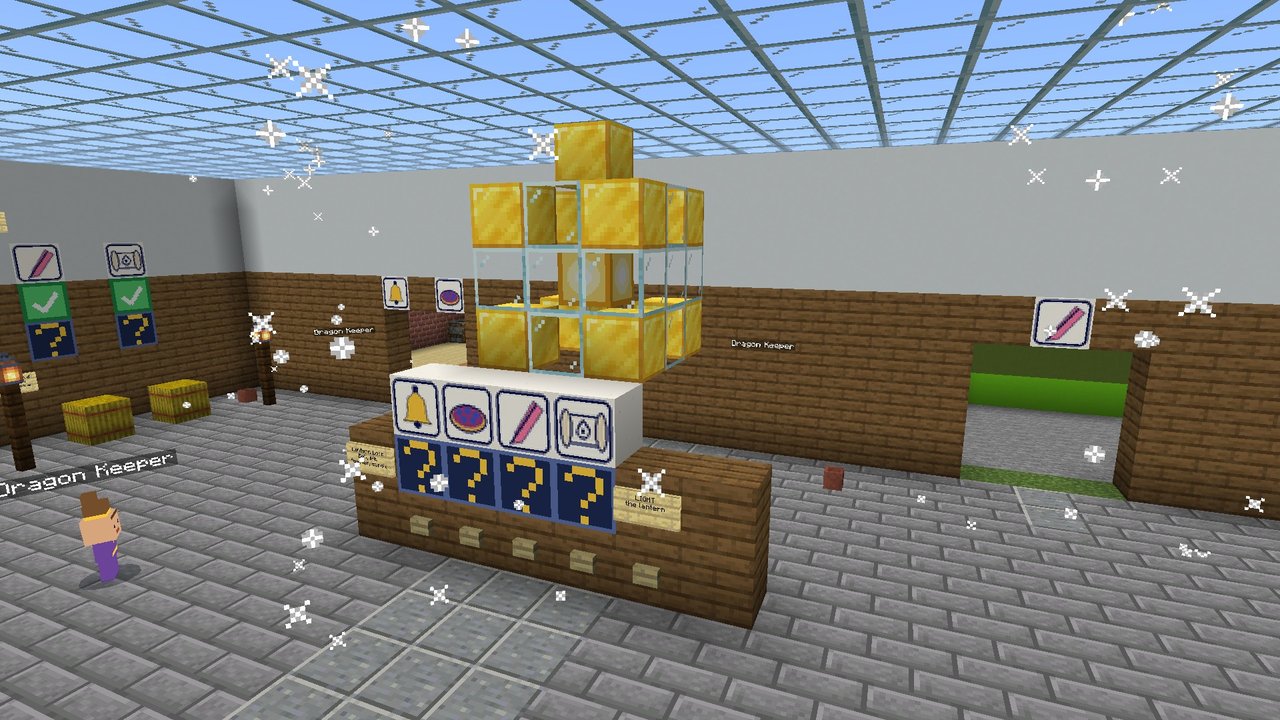
It is the first morning of the Lantern Fair, and Pumpernickel the dragon is fast asleep. Ring the bells, count the blueberries, find six feathers and read her name in Dragon: four numbers light the Great Lantern.
- Easy
- Ages 6+ with a reader
- About 20 minutes
- 1 to 6 players
- Free
Free · Minecraft Bedrock 26.60 or newer, or Java Edition 26.3 or newer · How to install it
Bedrock: one file, version 1.0.0 (checksum). Java: one world folder in a zip, version 1.0.0 (checksum).
What's inside
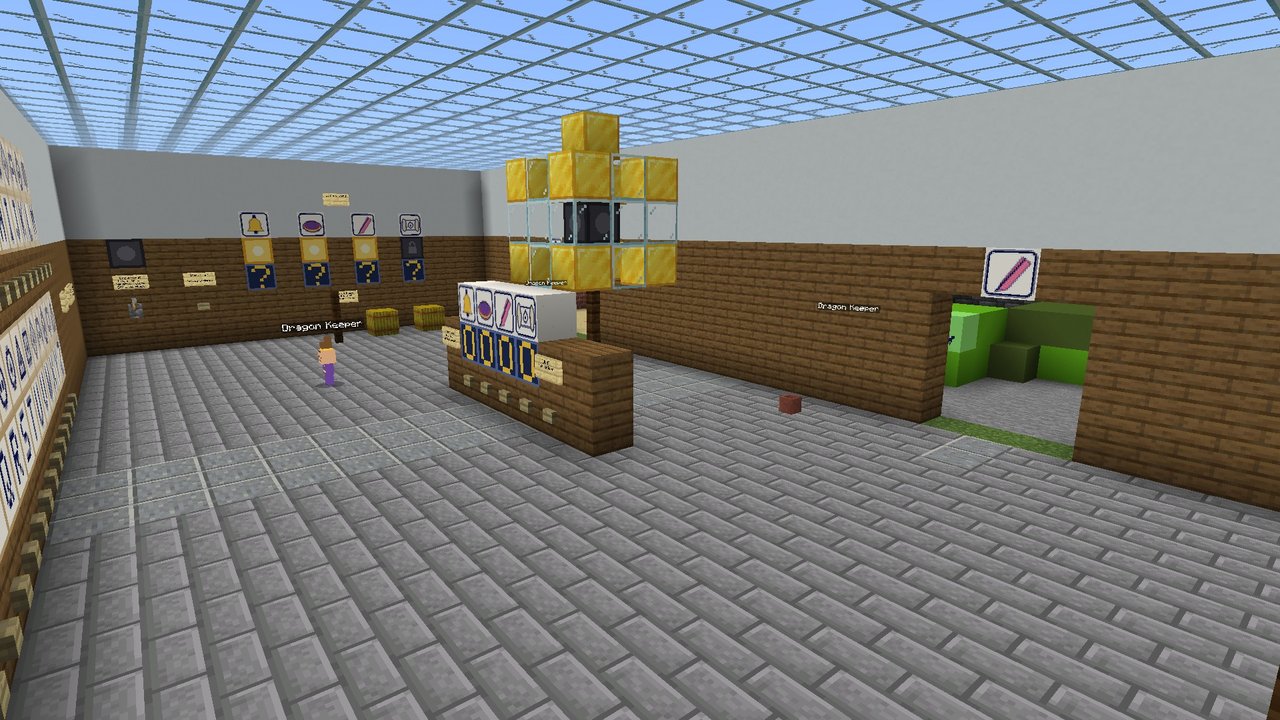
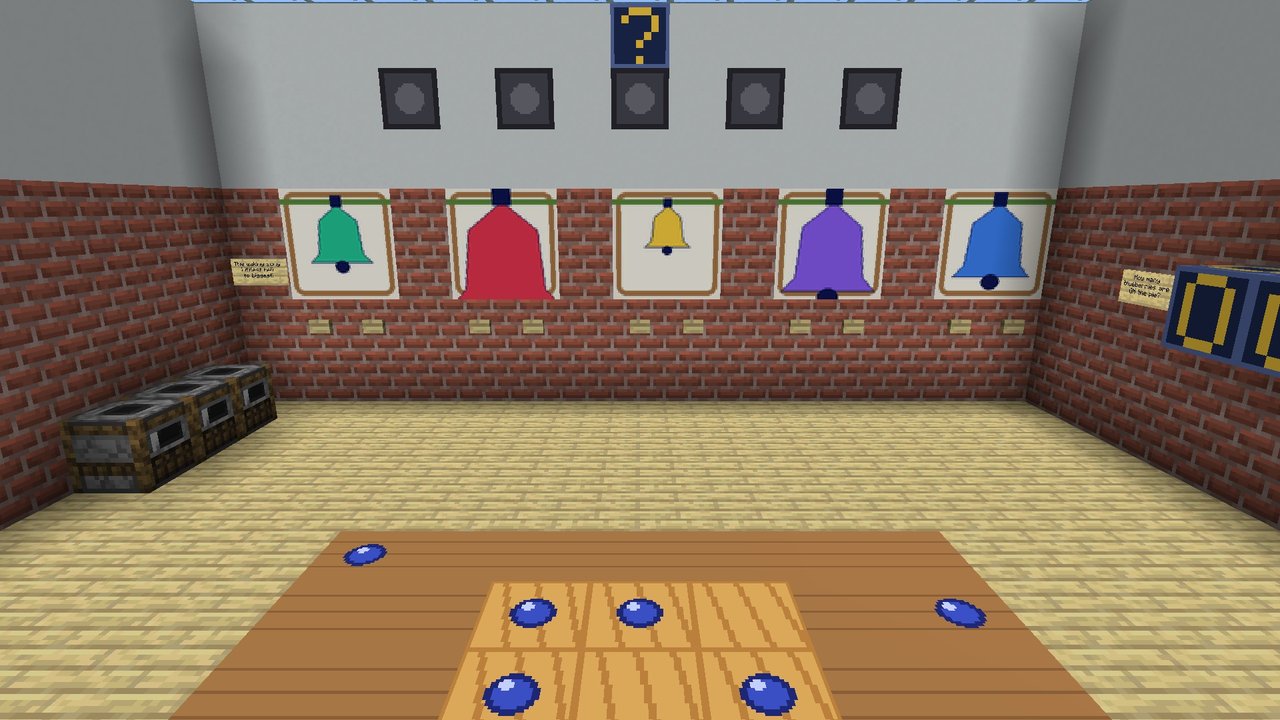
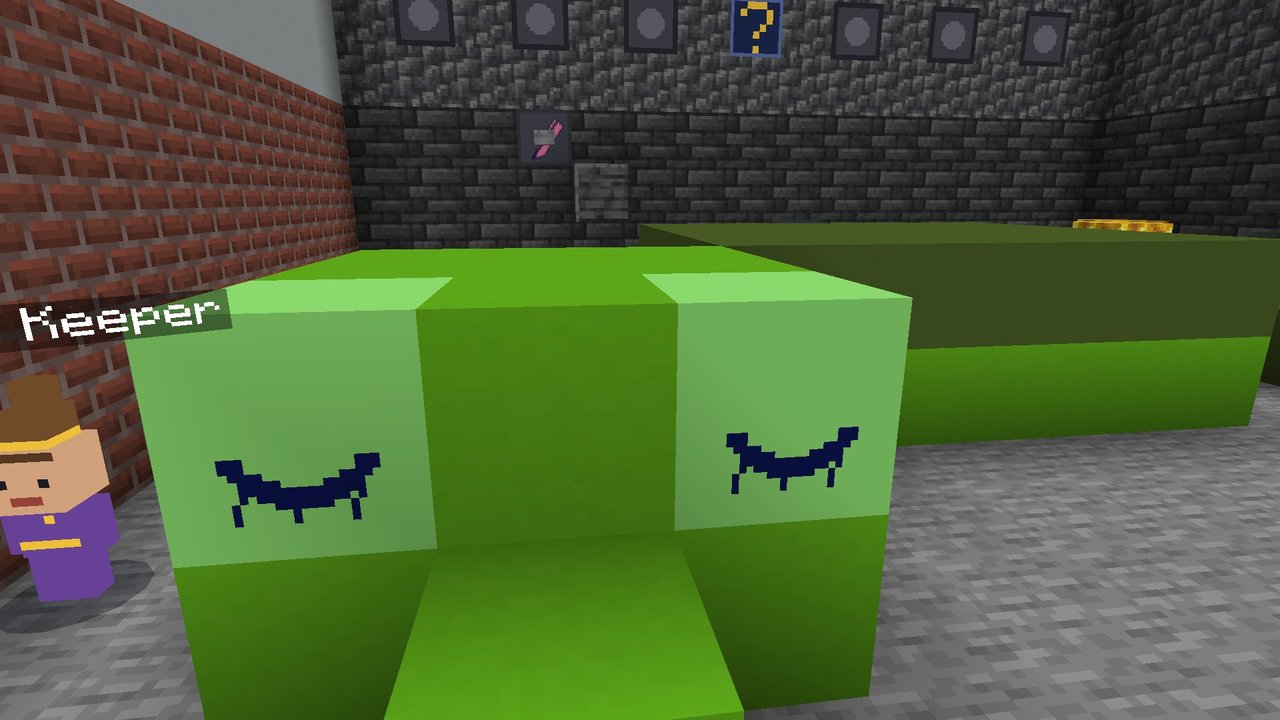
- Three places: the village square with the Great Lantern, the bakery (bells and a blueberry pie) and the cave where Pumpernickel sleeps.
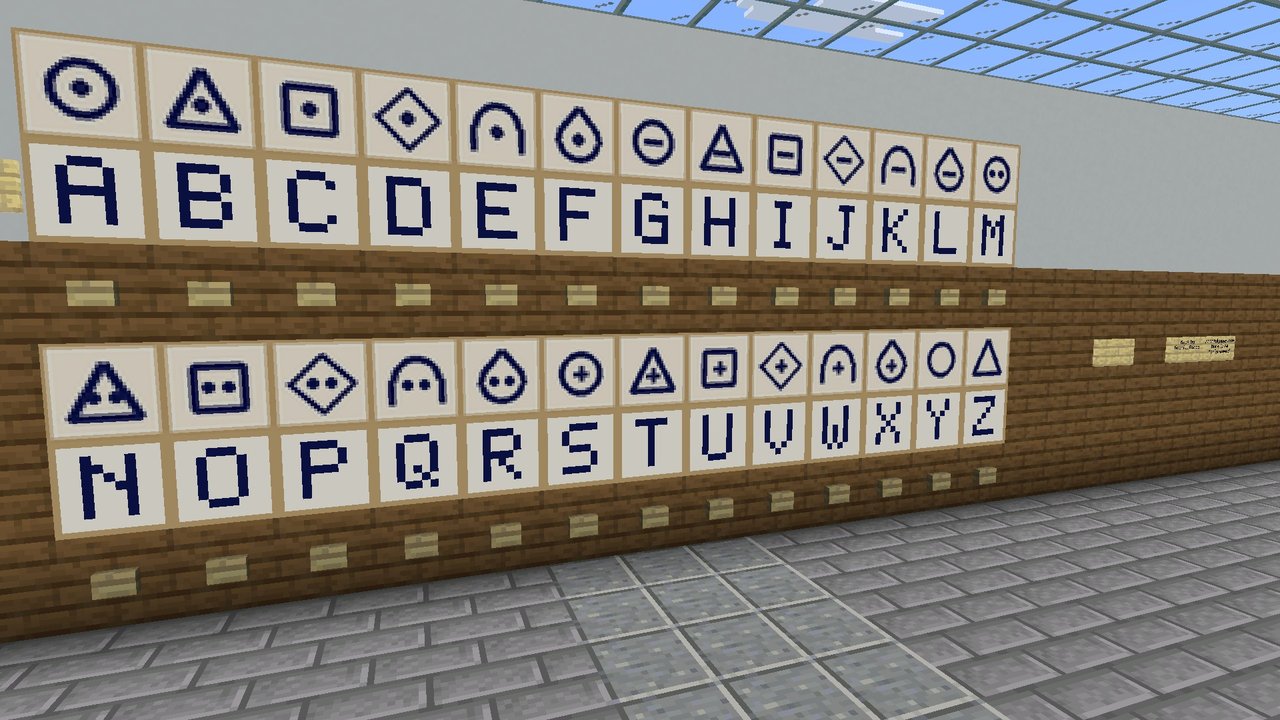
- Puzzles for young players: ring the bells from littlest to biggest, count the blueberries on the pie, find six hidden feathers, and read a name in dragon letters with the Dragon Dictionary.
- She wakes up as you go: every number you find stirs the dragon a little more.
- Never stuck: the Dragon Keeper in every place gives hints, and after two hints can skip a puzzle. There is no clock unless a grown-up turns one on.
- No typing, no chat, no commands: buttons and walking. Play alone, split-screen, or with anyone on the same Wi-Fi.
Rather play it at home with paper and phones? The same room is a free printable escape room at Roomful Escape, with the same answers.
Roomful Escape: The Unfinished Map — a family escape room on a real island
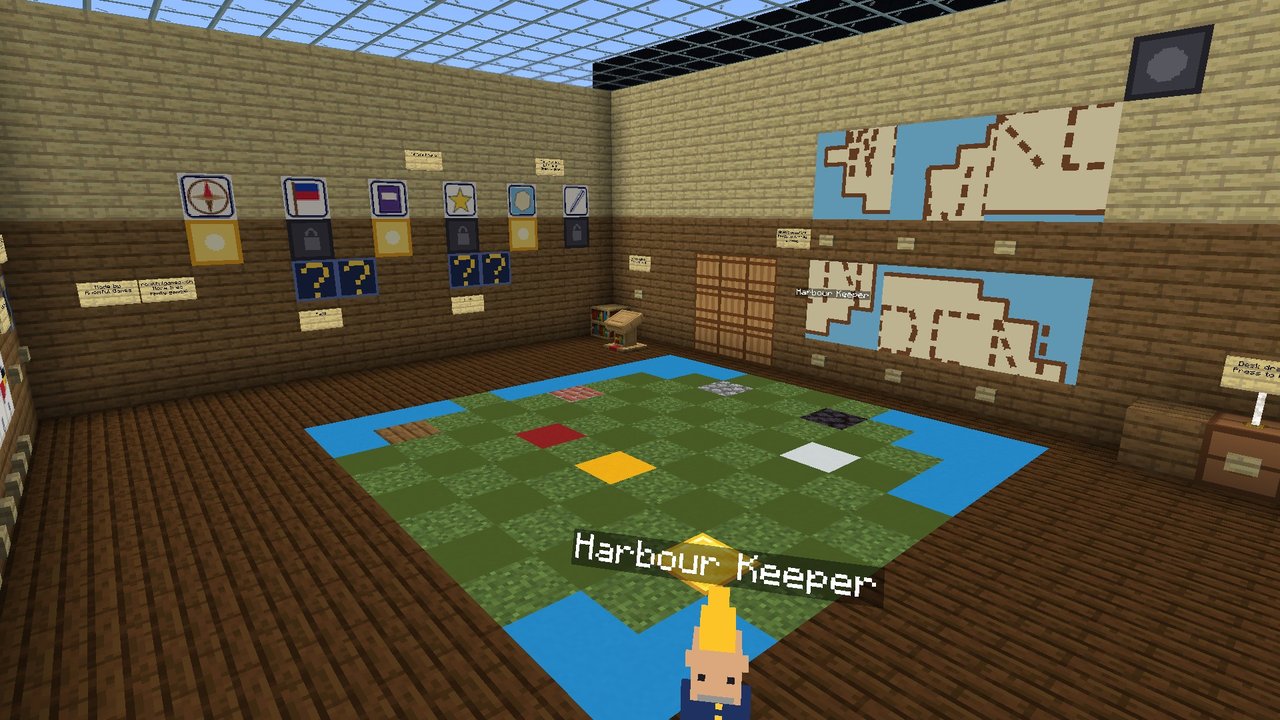
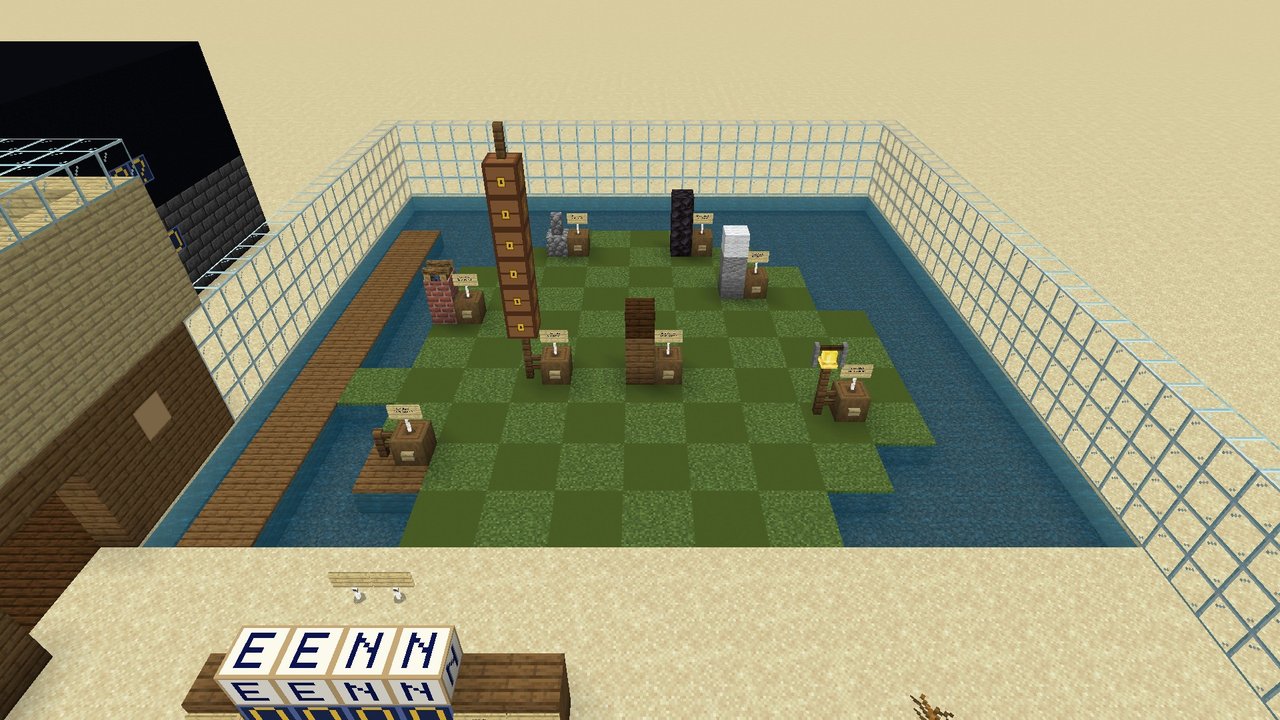
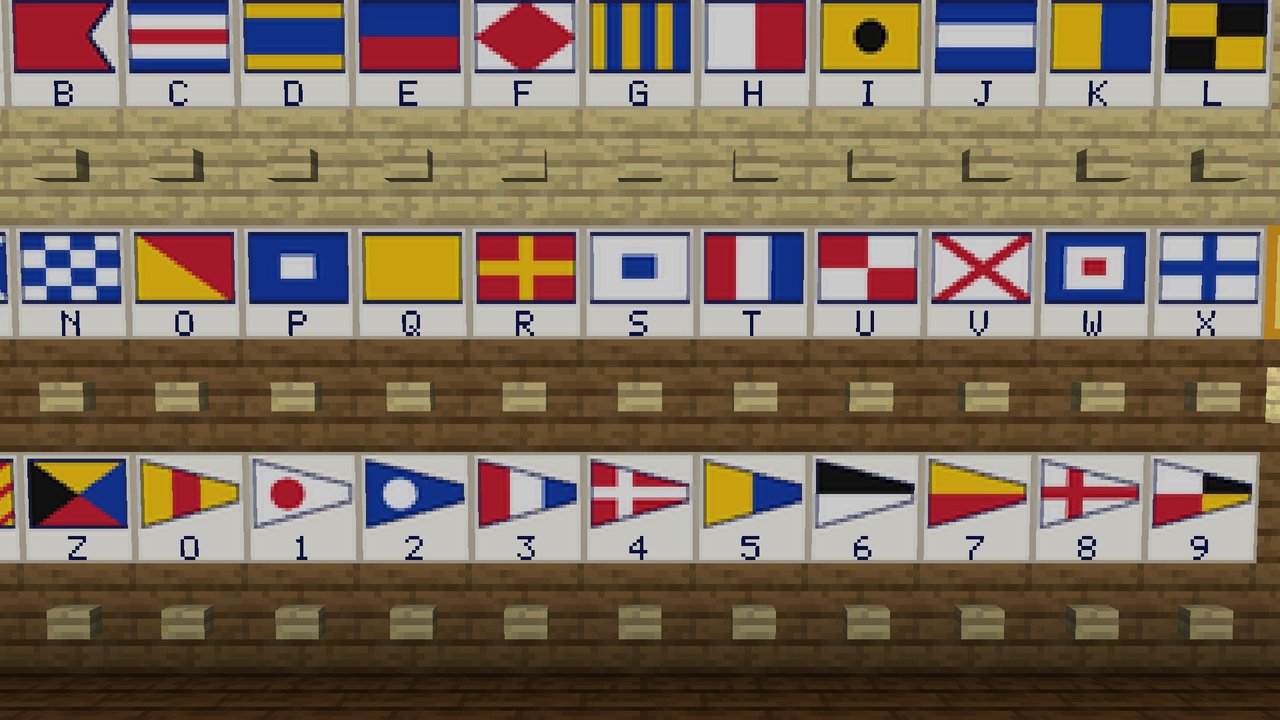
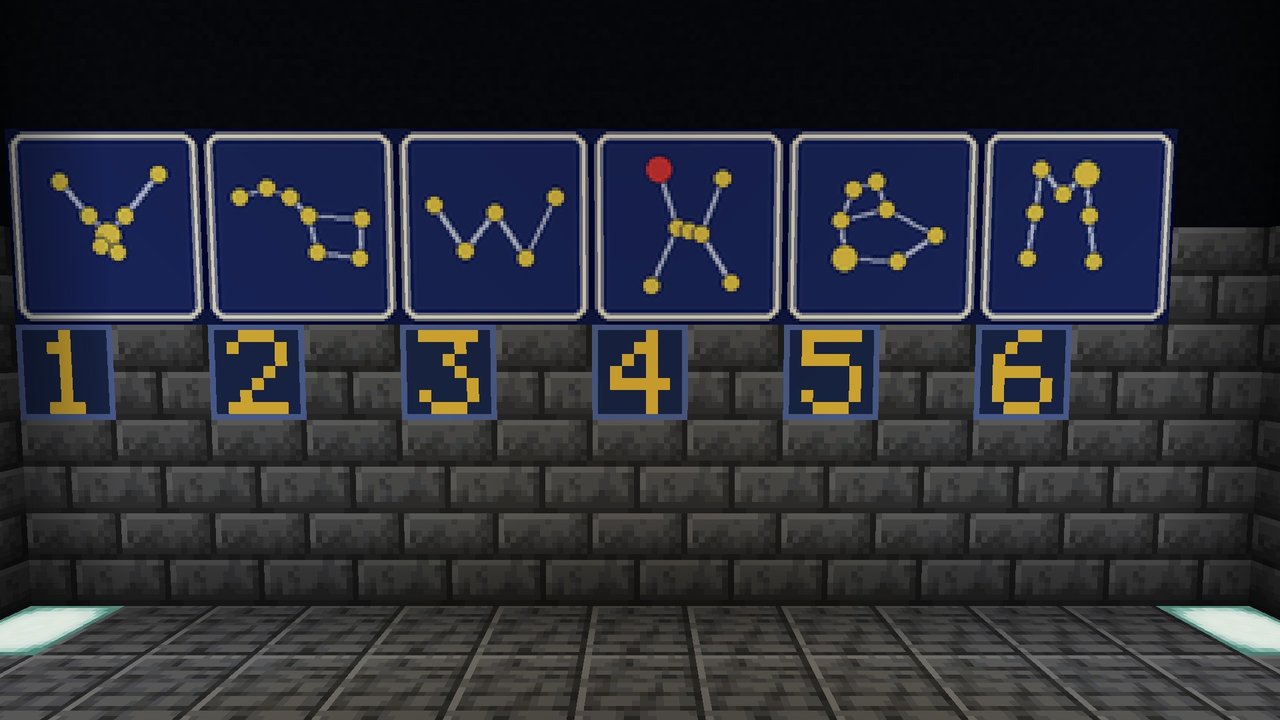
Great-aunt Wren never finished her map of Fennick Island: the Singing Spring is missing. Walk her compass riddle on the island, read the signal flags, find the Hunter in the stars and put the spring on the map before the tide turns.
- Medium
- Ages 10+ with an adult
- About 45 minutes
- 1 to 8 players
- Free
Free · Minecraft Bedrock 26.60 or newer, or Java Edition 26.3 or newer · How to install it
Bedrock: one file, version 1.0.0 (checksum). Java: one world folder in a zip, version 1.0.0 (checksum).
What's inside
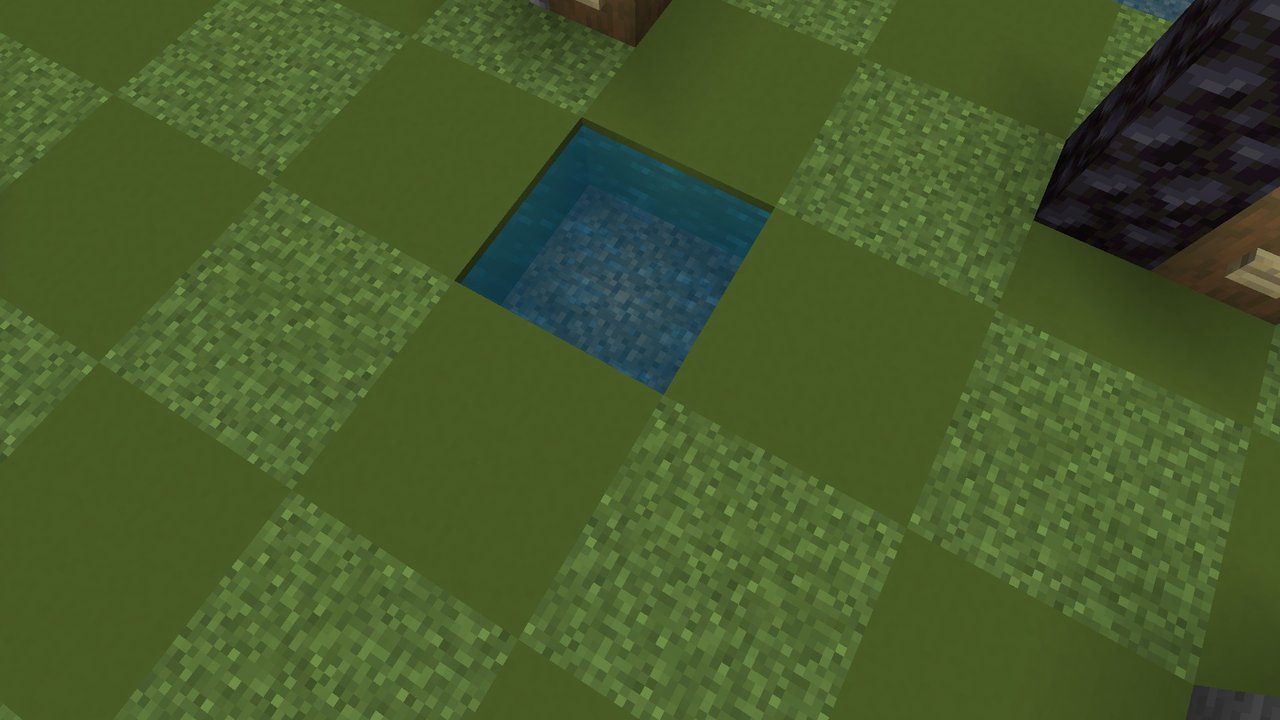
- Three places: Great-aunt Wren's study, her observatory, and Fennick Island itself: ten by ten squares you walk on, with a pier, a cairn and a tide pole.
- Puzzles for families: walk a compass riddle on the island, read signal flags with Wren's flag card, search her logbook, find the Hunter in the stars, and put a torn coastline back together.
- Finish the map: stand on the spring's square to place the pin, then set the survey case.
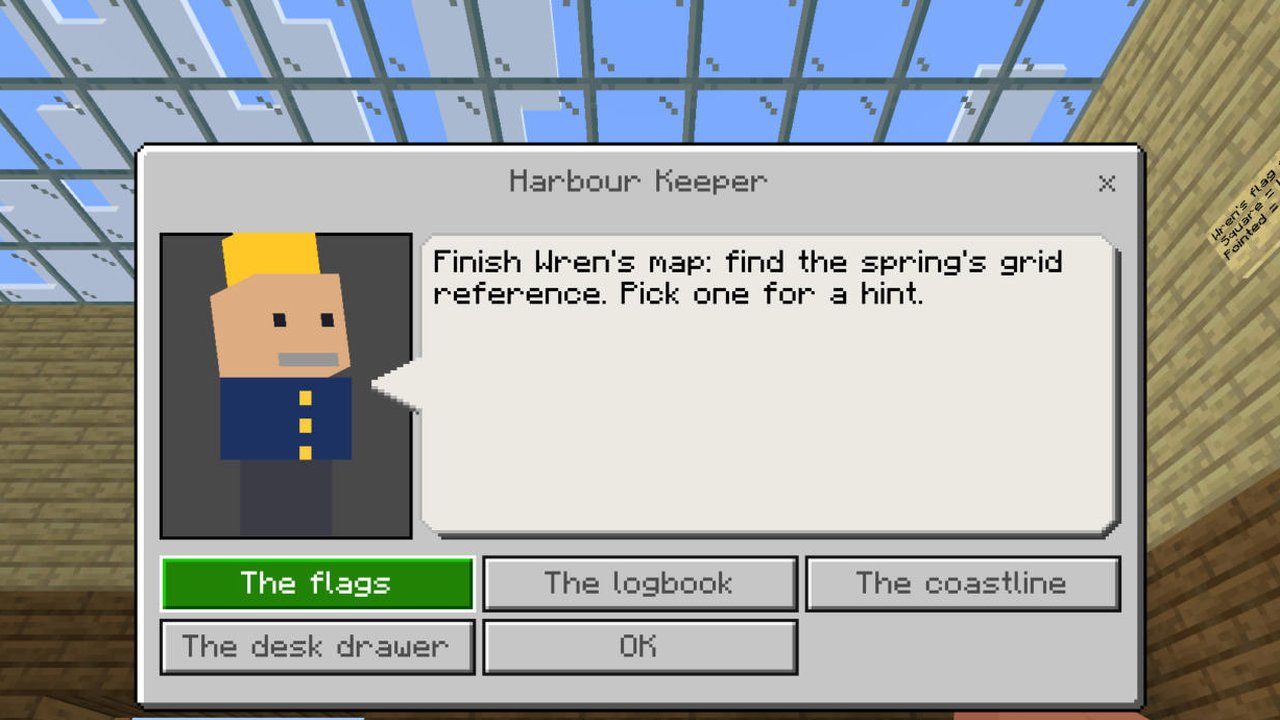
- Never stuck: the Harbour Keeper gives hints and, after two, can skip a puzzle. The 45-minute clock is optional (a lever turns it off).
- Best together: one player reads the logbook while another walks the island, but one player can do both. Split-screen or the same Wi-Fi.
Rather play it at home with paper and phones? The same room is a free printable escape room at Roomful Escape, with the same answers.
Roomful Escape: Point Harrow, Signing Off — a hard escape room for teens and adults
The old coastal radio station closes at midnight. Power it up, aim the aerial, copy a 1971 message in Morse, break Ada's cipher and tune the receiver: let the station sign off properly.
- Hard
- Ages 14+
- About 75 minutes
- 1 to 8 players
- Free
Free · Minecraft Bedrock 26.60 or newer, or Java Edition 26.3 or newer · How to install it
Bedrock: one file, version 1.0.0 (checksum). Java: one world folder in a zip, version 1.0.0 (checksum).
What's inside
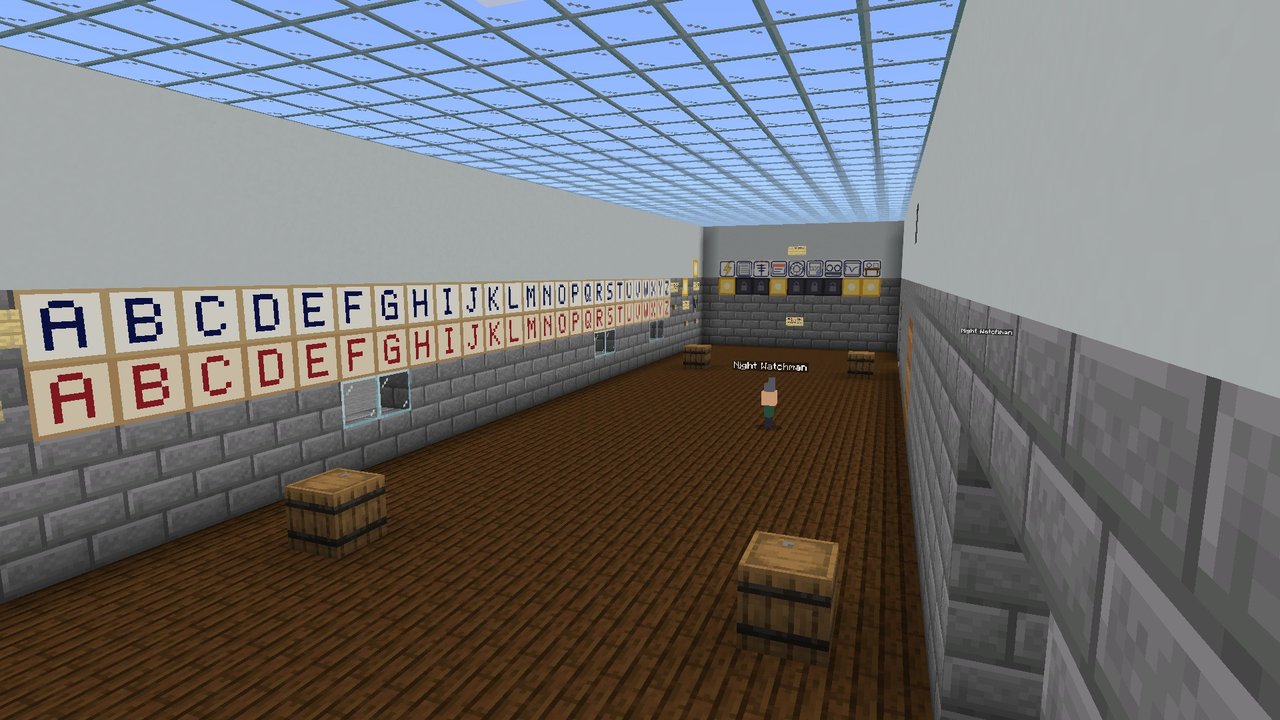
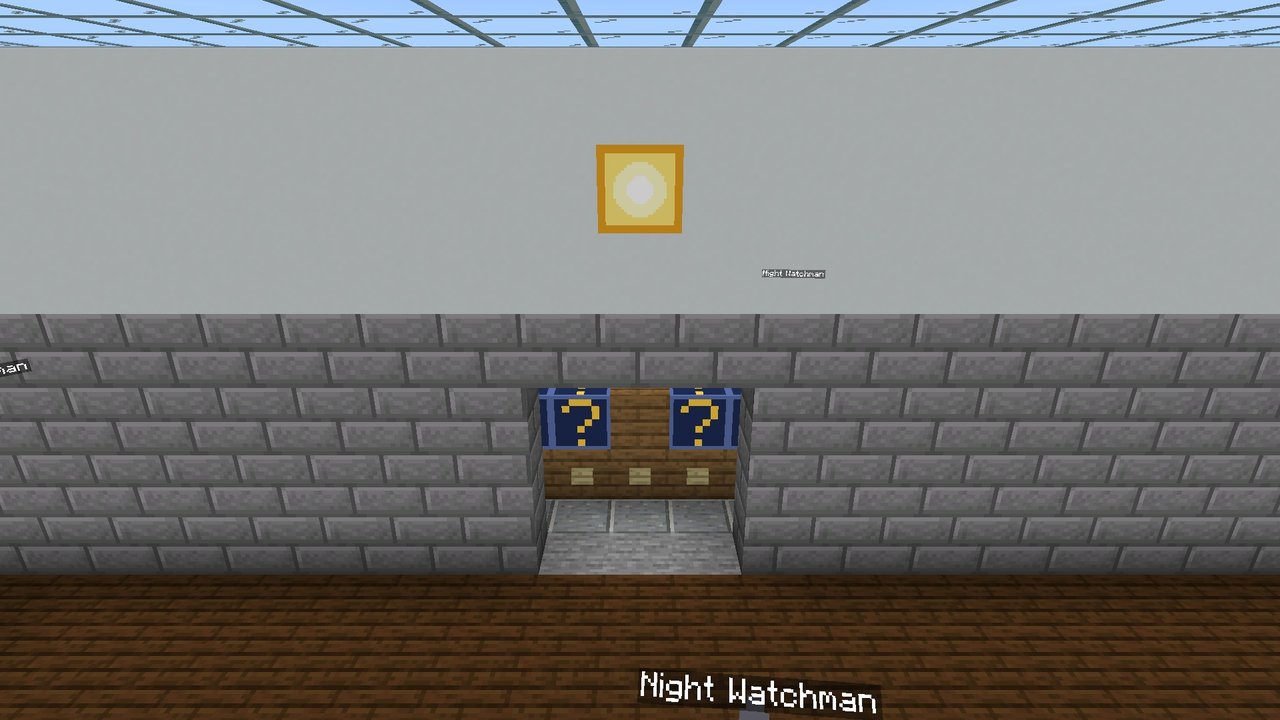
- Four rooms of a coastal radio station: the hall, the power room, the operating room and Ada's office.
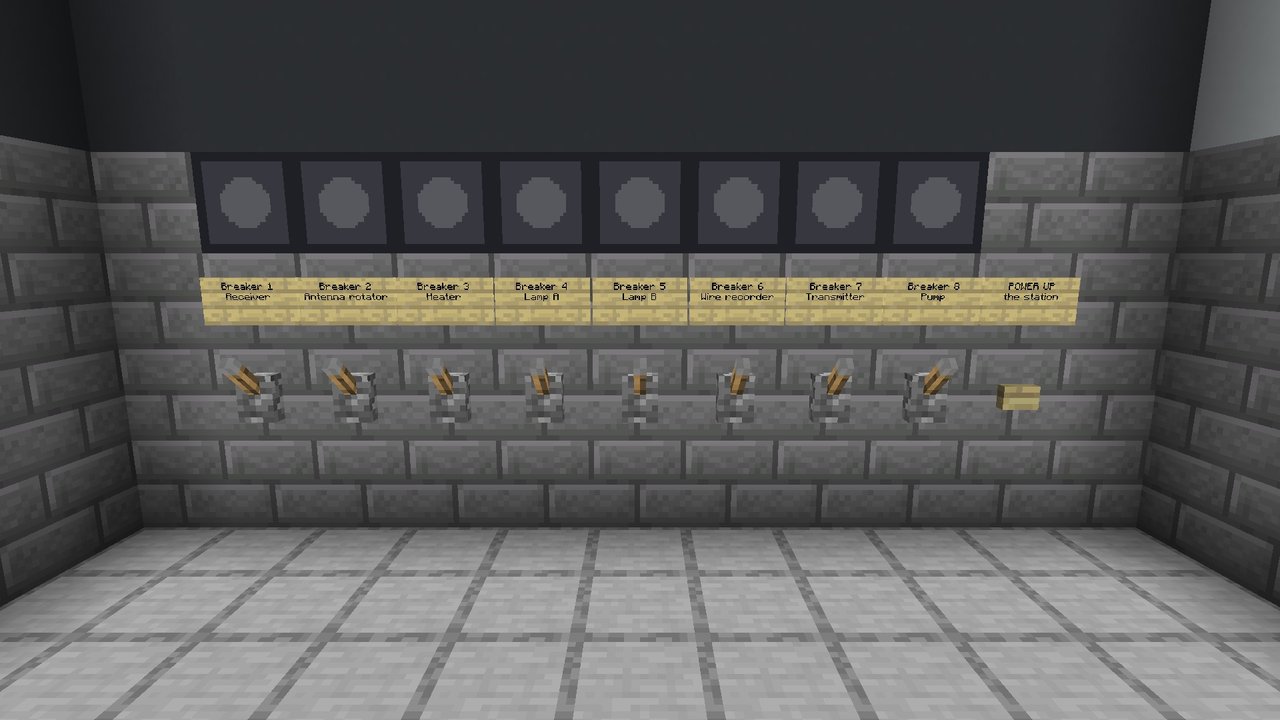
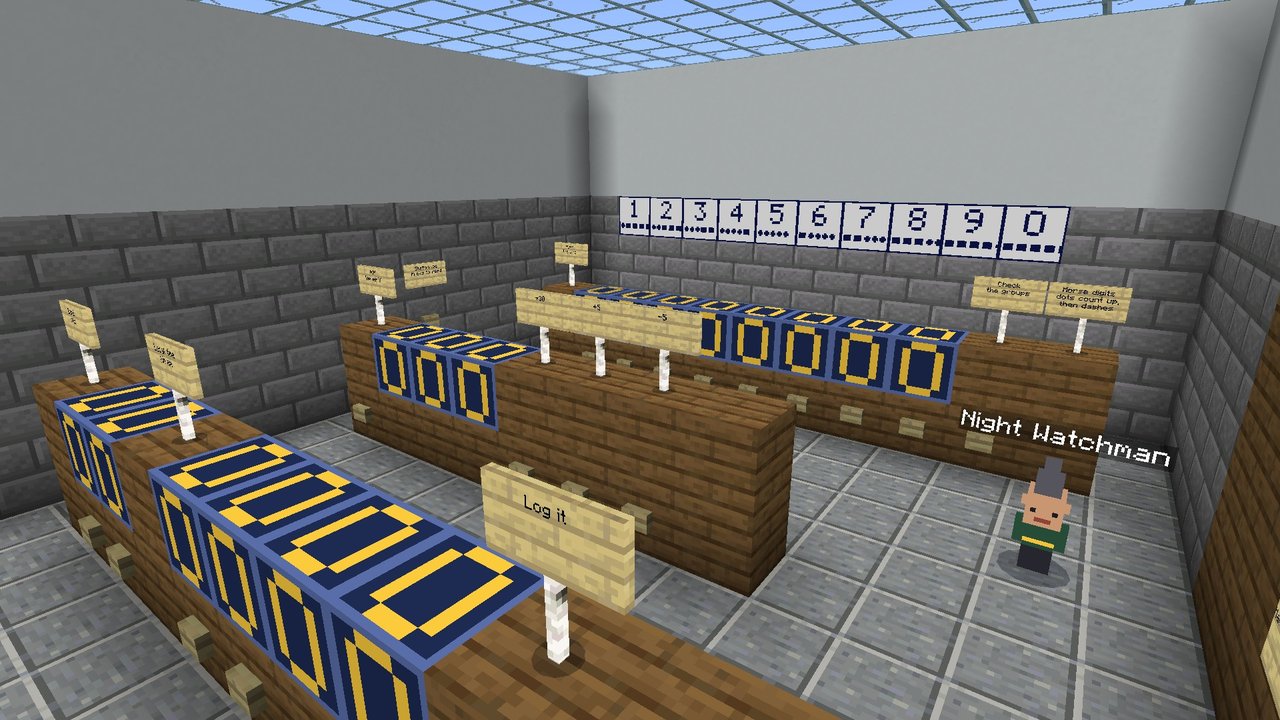
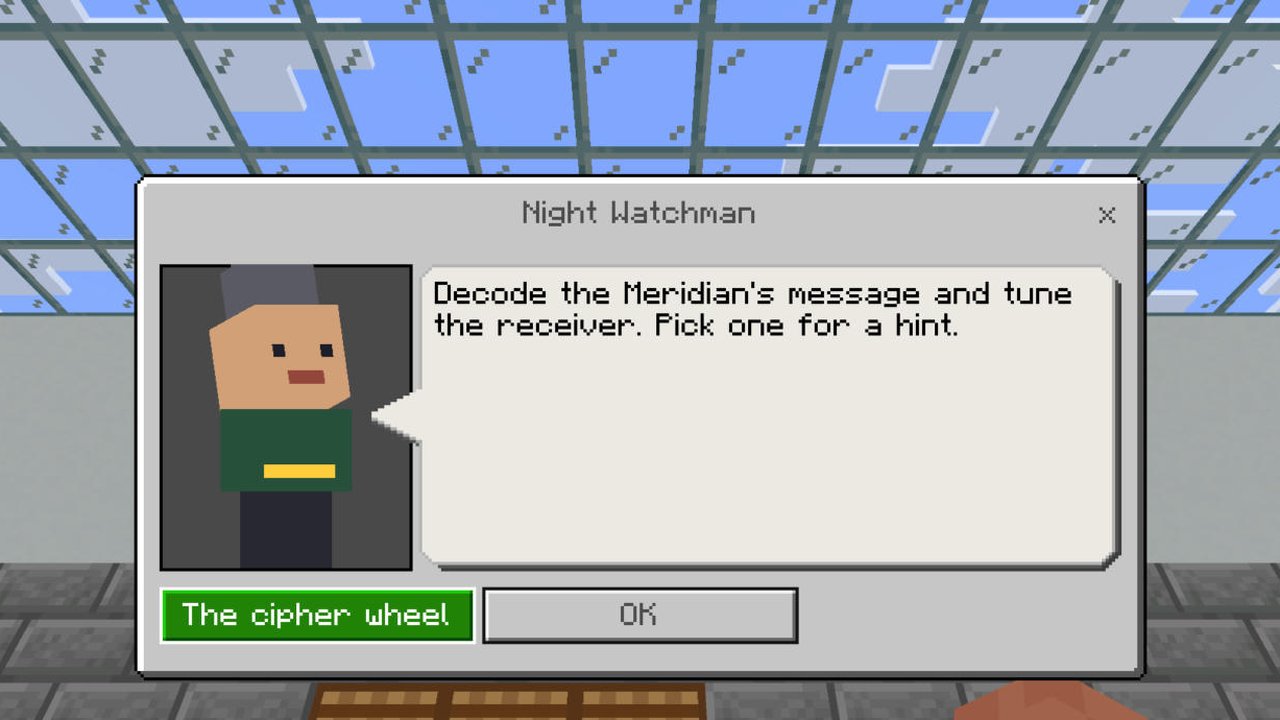
- Puzzles for teens and adults: work out the breaker panel, aim the aerial on a bearing, copy a recording in Morse, break a cipher with a cipher wheel, read a barograph and tune the receiver.
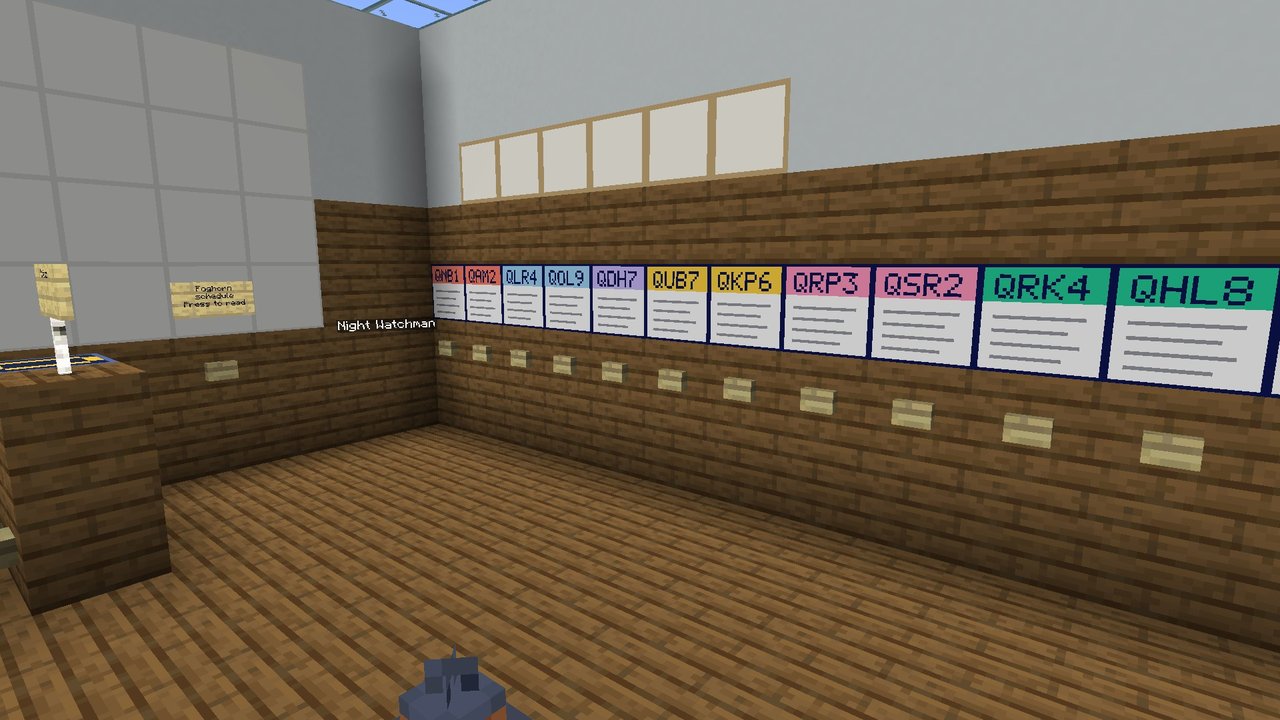
- A story in pieces: QSL cards, a station log and an old message wait for the station's last night.
- Hints if you want them: the Night Watchman gives hints and, after two, can skip a puzzle. The 75-minute clock is optional (a lever turns it off).
- Best as a team: up to eight players, split-screen or on the same Wi-Fi. One player can solve it too.
Rather play it at home with paper and phones? The same room is a free printable escape room at Roomful Escape, with the same answers.
How to install a map
Bedrock Edition: Windows, iPhone, iPad and Android
-
Windows
Open the file. Minecraft starts and imports it.
-
Android (phone or tablet)
- Tap Download.
- Open your Files app → Downloads → tap the map's file (its name starts with Roomful-Escape).
- Choose Minecraft. It says "Import started", then "Successfully imported".
Minecraft not in the list? That happens on some phones (Files by Google on Pixels, for one). Install the free Cx File Explorer (or any full file manager) from the Play Store, open it → Download → tap the file → Minecraft. One-time setup; every map works the same way after that. Chrome's own "Open" button may say "Can't open file": ignore it and use a Files app.
-
iPhone and iPad
- Tap Download, then tap the Downloads arrow at the top of Safari and tap the file.
- Minecraft opens and says "Level import finished". (If it only previews, tap Share → Minecraft.)
Then, on every device: Press Play and pick the map by its name.
It didn't work
- Android: Minecraft isn't in the Open-with or Share list. Your phone's Files app isn't telling Minecraft what kind of file this is. Install Cx File Explorer (free) or any full file manager and open the file from there: this fixed it on a Pixel 9 Pro. Files by Google and Chrome's download list are the ones that fail.
- The file ends in .zip. Some browsers rename it. Long-press → Rename → change
.zipback to.mcworld, then tap it again. - "Level import failed" on iPhone or iPad. In the Files app, move the file from Downloads to On My iPhone (or On My iPad), then tap it there, or use Share → Minecraft.
- "This world needs a newer version." Update Minecraft in the App Store or Play Store, then tap the file again.
- It imported but I can't find it. Press Play: it's in the Worlds list under the map's name, such as Roomful Escape: The Lost Sleigh. Imports can take a few seconds on older phones.
- Minecraft Trial can't import worlds; you need the full game.
- Still stuck? Tell us your device and what it said, and we'll fix the instructions.
Xbox, PlayStation and Switch can't open downloaded worlds. If you have a Realm, a grown-up can put a map there.
For grown-ups: playing on a console through a Realm
- On a Windows PC, iPhone, iPad or Android device signed in to the same Microsoft account as the console, import the map as above.
- In Minecraft, open Realms, choose your Realm, then Edit Realm → Replace World, and pick the map. This replaces what is on that Realm slot, so back it up first (Realm settings → Backups) or use an empty slot.
- On the console, join the Realm. Everyone in it plays the same mission.
Realms is Mojang's paid subscription. You don't need it for any other way of playing.
Java Edition: PC, Mac and Linux
-
PC, Mac or Linux
- Tap Download for Java and unzip it. You get one folder, named after the map, such as Roomful Escape - The Lost Sleigh.
- Open the Minecraft Launcher → Installations → the folder icon next to your installation → open saves.
- Drag the map's folder in. Start Minecraft → Singleplayer → pick the map by its name.
Nothing to switch on: no resource pack, no mods. Playing together: the host presses Esc → World Options → LAN on → Apply Changes, and friends on the same Wi-Fi join from Multiplayer. On a Java Realm, upload the world folder as usual. Windows players who own Minecraft already have Bedrock too, and can use the Bedrock file instead.
Java: it didn't work
- The map isn't in the Singleplayer list. Its folder has to sit straight inside saves. Some unzip tools put it inside another folder of the same name: open that one, drag the Roomful Escape - … folder itself into saves, then open Singleplayer again.
- Can't find the saves folder? Windows: press Windows key + R, type
%appdata%\.minecraft\savesand press Enter. Mac: in Finder, Go → Go to Folder, type~/Library/Application Support/minecraft/saves. Start Minecraft once first if it isn't there. - It won't open, or says the world is from a newer version. The maps need Minecraft: Java Edition 26.3 or newer. In the Launcher, choose Latest release and press Play.
- Still stuck? Tell us your computer and what it said, and we'll fix the instructions.
A Christmas escape room for the whole family, inside Minecraft
If your kids already spend their evenings building in Minecraft, The Lost Sleigh turns that into something the whole family can do together. It is a family escape room map: a short, friendly mission where everyone works as one team to solve puzzles, find hidden numbers and get Santa's sleigh back in the air on Christmas Eve.
The story is simple enough for a seven- or eight-year-old to follow. A gust of wind blew Santa's route list out of the sleigh, and now the sleigh won't start without its four-digit ignition code. Each of the first four rooms hides one digit. Find all four, carry them to the launch pad, set the dials and press Launch. Get it right, and fireworks go up and the sleigh lifts off.
Why it works as an escape room map for kids
Most adventure maps are built for teenagers who are happy to read long signs and hunt for hidden switches. We built this one the other way round. Every screen of text is one or two short sentences, and every door has a big picture over it, so a child who can't read yet still knows where to go next. The puzzles use things children already know: spelling short words, putting four reindeer in order, recognizing a famous tower, and a bit of cookie math with numbers under fifty.
Nobody gets stuck for long. Talk to the Helper Elf in any room for a hint, and after two hints it will let you skip ahead. The 20-minute clock is optional: a grown-up flips a lever in the lobby to turn it on or off, and if time runs out, the game says Santa left a little late and lets you finish anyway.
On the devices you already have
The Lost Sleigh is for Minecraft Bedrock Edition, the version on Windows PCs, iPhones, iPads and Android phones and tablets. It comes as one file: open it and Minecraft imports the world by itself. The small add-on that runs the puzzles is inside the file and already on, so there is nothing to switch on, no experimental settings and nothing to download later. The world opens set up for the mission, in daylight, with no monsters and no way to get lost.
It is best with two to four people. Play split-screen, or let anyone on the same Wi-Fi join from their own tablet or phone: the world shows up under Friends. One player can read the clues while another walks the letter floor and a third presses the buttons.
Playing on a PC, a Mac or Linux with Minecraft: Java Edition? Every map has a Java download too: the same rooms, words and answers, as one world folder you put in Minecraft's saves folder. It needs no resource pack and no mods, and friends on the same Wi-Fi can join over LAN.
Three more rooms, for every age
The other three maps are year-round rooms, from easy to hard. Wake Up, Pumpernickel! is the gentlest: a sleepy dragon, a bakery and a cave, with bells to ring and blueberries to count, made for children of six with a grown-up to read. The Unfinished Map is for a family with a ten-year-old: you walk a real island square by square to finish a great-aunt's map. Point Harrow, Signing Off is for teens and adults who like a real challenge: Morse code, a cipher wheel and an old radio station's last night on the air.
Each has a helper who gives hints and can skip a puzzle, and each keeps the same answers as its free printable room on Roomful Escape, so a family can play it at the table or in Minecraft. There are more free party and family games for the TV and everyone's phones on Roomful Games: trivia, bingo, charades, card games and more.
Questions
- Which map should we start with?
- Young children: Wake Up, Pumpernickel! (easy, ages 6 and up with a reader). At Christmas: The Lost Sleigh (ages 8 and up). A family with a 10-year-old: The Unfinished Map. Teens and adults: Point Harrow, Signing Off, the hardest. The ages are about how hard the puzzles are: every map is family-friendly, with nothing scary or violent.
- Does it work on Minecraft Java Edition?
- Yes. Every map has a Download for Java button too: Minecraft: Java Edition 26.3 or newer, on a PC, a Mac or Linux. It is the same mission with the same answers, so a family on Java and a family on Bedrock can compare notes.
- Will it turn off achievements?
- On Bedrock, yes, but only inside the map: Minecraft switches achievements off in any world that runs an add-on, as these do for their puzzles, and your other worlds keep theirs. On Java Edition nothing is turned off: advancements keep working.
- Is it safe?
- Yes. Each map is one small file from this page (on Java, one world folder in a zip). Nothing downloads later, the maps never go online, and you don't need an account with us.
- Can we play it again?
- Yes. Press Start over (twice) in the first room and everything resets.
- Is it the same as the web game?
- Yes: each map has the same story and the same answers as the Roomful Escape mission of the same name, so you can play either, or both.
- Does it cost anything?
- No. They are free, and they always will be.
- Is this made by Mojang or Microsoft?
- No. It is made by Roomful Games, an independent family-games site. Not an official Minecraft product. Not approved by or associated with Mojang or Microsoft.
Not an official Minecraft product. Not approved by or associated with Mojang or Microsoft.